You grab your phone 186 times a day. That’s every five minutes while awake, according to 2026 stats from Reviews.org. No wonder focus slips away, sleep suffers, and evenings vanish into scrolls.
Americans average 5 hours and 16 minutes daily on phones. It adds up to 80 full days a year. This habit drains productivity; tasks pile up, stress builds, and real life feels distant because constant checks fragment your attention and spike anxiety.
But you can reclaim your day. This step-by-step guide shows how to stop checking your phone all day with science-backed tips, apps like Freedom or Forest, and simple mind tricks that stick. You’ll learn to spot triggers, set boundaries, and build better habits without feeling deprived.
Watch this video for why it’s so hard to quit first. Then, we’ll start with the biggest trigger: notifications.
Why Constant Phone Checks Are Stealing Your Time and Focus
Constant phone checks pull you away from what matters. Each glance adds up fast. You lose hours without noticing. These habits fragment your day. Focus vanishes. But first, look at the data. It shows how deep this runs.
If you’re struggling with self-discipline, especially in the area of your phone or concentration, grab this my e-book to learn how to be more disciplined.
The Shocking Numbers on How Often We Reach for Our Phones
The stats hit hard. Americans check phones 144 to 186 times daily. That equals once every 5 to 10 minutes while awake. Screen time averages 4 hours 30 minutes to 5 hours 16 minutes each day. Add it up, and it steals about 80 full days a year.
Here are key figures that stand out:
- Daily unlocks: Up to 186 times, per Reviews.org’s 2026 report. Most happen during work or downtime.
- Addiction rates: 46% to 57% of Americans feel hooked. Gen Z leads at around 56%, while Boomers lag behind. Yet overall use climbs despite slight drops in self-reported addiction.
- App culprits: Messaging takes top spot at 83% of users. Social apps like TikTok pull heavy minutes, often 89 daily for young adults.
- Age gaps: Younger groups (18-29) hit 4+ hours screen time. Older ones (50+) stay under 3 hours, but everyone checks more now.
These numbers alarm because they crept up. People want change; 53% aim to cut back. Still, phones win. For tips on how to stop being addicted to your phone, check related habits that help.

Real-Life Costs to Your Sleep, Relationships, and Work
The real damage shows in daily life. Phones disrupt sleep first. About 67% of teens lose rest from late-night scrolls. Adults follow suit; blue light spikes alertness right before bed. You toss longer. Mornings drag.
Relationships suffer too. 85% check phones during talks. Conversations stall. Partners feel ignored. Picture family dinner: kids share school stories, but you zone into notifications. Frustration builds. Dates flop when 40% sneak peeks mid-chat.
Work tanks from it all. One check costs 23 minutes to refocus. Driving risks soar; 29% admit glances behind the wheel. Anxiety jumps too. Each ping triggers stress hormones. You stay on edge.
These hits add up. Distracted chats breed resentment. Lost sleep fogs decisions. Productivity dips leave tasks undone. Simple fix? Notice patterns first. Then set rules. Your focus returns fast.

To rebuild, try decluttering your mind from digital noise. Small steps restore calm.
The Brain Tricks Making You Pick Up Your Phone Nonstop
Your brain wires you to crave that next phone check. Notifications light up reward centers. You chase quick thrills without thinking. These tricks turn casual glances into nonstop habits. Once you spot them, you gain control. Let’s break down the main ones.
Dopamine Hits and Why They Feel So Good
Dopamine acts like a feel-good chemical your brain releases during rewards. Phones deliver it fast through likes, texts, or new posts. Social apps like TikTok or Instagram trigger the most because they serve endless content. Each ping feels great at first. But your brain adapts. You need more checks for the same rush. This chase builds tolerance, much like slot machines.
Studies back this up. A 2026 review shows smartphone cues boost dopamine sensitivity, leading to compulsive use. Users average 186 daily checks, often from social media hooks. Notifications spike it highest; 72% tie to those apps.

Apps exploit this loop. Short videos or feeds keep you scrolling for the next hit. In addition, heavy users show weaker impulse control in brain scans, per recent neuroimaging data. Result? You check more, even when busy. To fight back in how to stop checking your phone all day, mute non-essential alerts first.
FOMO, Stress Escape, and Other Hidden Pulls
FOMO, or fear of missing out, amps anxiety. You worry friends enjoy events without you. Social posts fuel it, so you check constantly. Besides that, phones offer escape from boredom or stress. A bad mood hits; you scroll for distraction. Phone stays nearby, so habits form automatically. Your hand reaches without thought.
This worsens problems. FOMO links to isolation and higher anxiety, studies find. A Semmelweis University report notes 56% of young adults check from FOMO, hurting focus and sleep. Impulse control suffers too; low self-control predicts more checks. Meanwhile, 58% use phones to dodge stress, creating loops that boost isolation.
Quick counters help. Schedule checks, like twice hourly. Put your phone across the room. These break auto-pilots.
Here is a simple swap table for common pulls:
| Phone Habit | Healthy Swap |
|---|---|
| Scroll during stress | Take 5 deep breaths or walk |
| FOMO evening check | Call a friend directly |
| Boredom feed dive | Read a book page or journal |
| Notification impulse | Wait 10 minutes, then decide |
Swaps rebuild control. For more on building self-discipline against distractions, try tiny daily promises. Habits shift fast when you replace pulls with real relief.
Track Your Habits First to Spot the Patterns
Change starts with awareness. You pick up your phone without thinking, but numbers reveal the truth. US adults average about 4.5 hours daily on smartphones alone in 2026. Tracking exposes those hidden moments. Then you spot patterns like evening scrolls or work breaks gone wrong. Built-in tools make this easy. No guesswork needed.
Enable Screen Time or Digital Wellbeing Right Now
Your phone tracks usage automatically. iPhone users open Settings, then Screen Time. Android folks find Digital Wellbeing in Settings. Turn it on. Set it to show weekly reports.
These tools break down hours by app. TikTok ate two hours yesterday? Now you know. Studies show tracking cuts use by 20 to 30 minutes daily. It builds focus fast. For setup details, check CNET’s guide to phone wellness tools.
Review reports weekly. Note peak times. Awareness alone drops checks.
Log Urges Manually for Deeper Insight
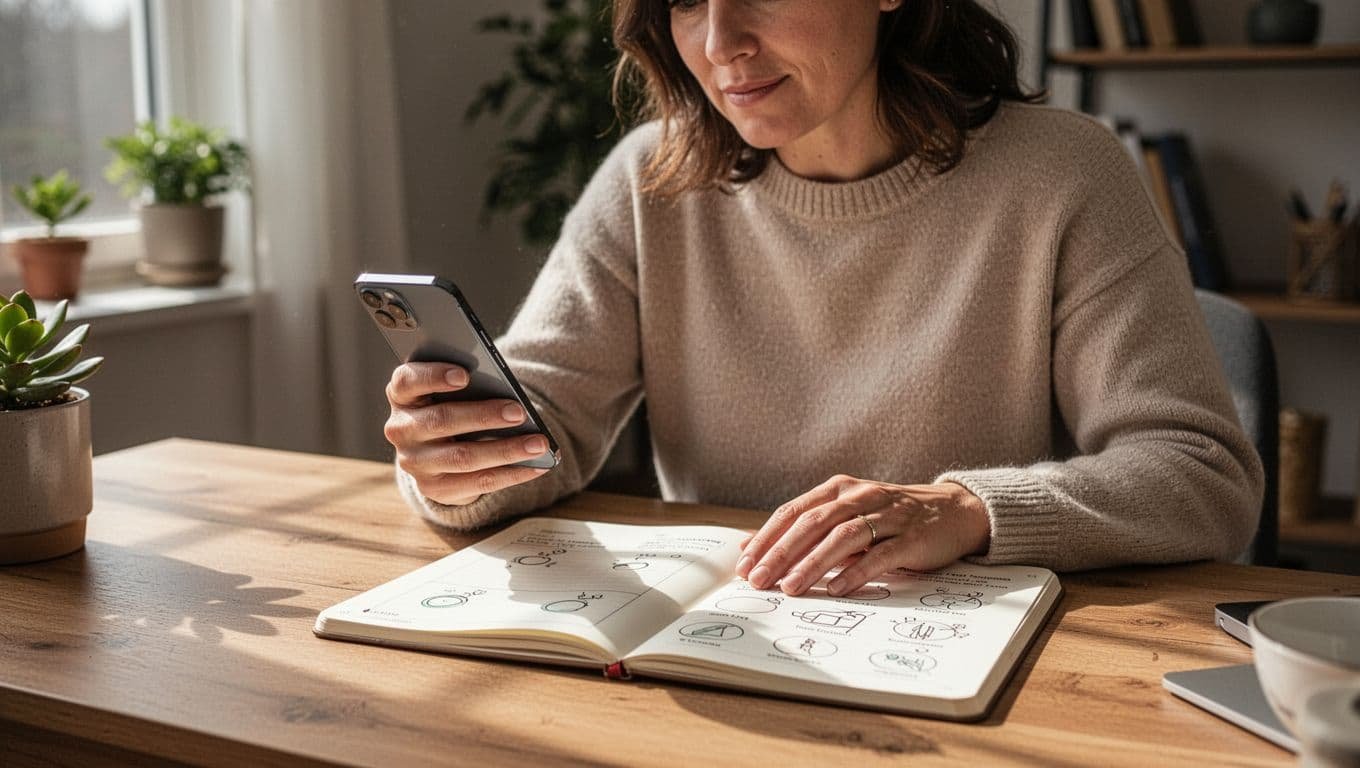
Apps miss the full picture. Grab a notebook. Jot urges as they hit: time, trigger, duration. Phone buzzed during lunch? Write it down.
This spots emotional pulls. Bored at 3 p.m.? Stressed after calls? Patterns emerge quick. In addition, it trains your brain to pause. After a week, review entries. You gain control.
Set Baselines and Cut Gradual
Cold turkey spikes anxiety. Go slow instead. Baseline your week one average. Aim to cut 30 minutes total next week. Split it: 10 minutes mornings, evenings, afternoons.
Why gradual works? Your brain adapts without rebound binges. Track wins weekly. Celebrate small drops. For more on making new habits stick, anchor tracking to bedtime routines.
Soon, patterns fade. Checks drop. Your day opens up.
Quick Environment Changes to Make Checking Harder
You can tweak your phone setup in minutes to slow down those automatic grabs. These simple shifts cut the temptation without much effort. Students see big wins here; one study found college kids dropped screen time by 38 minutes daily after similar changes. Focus sharpens, anxiety eases, and your day feels longer. Start with these quick fixes.
Silence the Pings and Switch to Grayscale
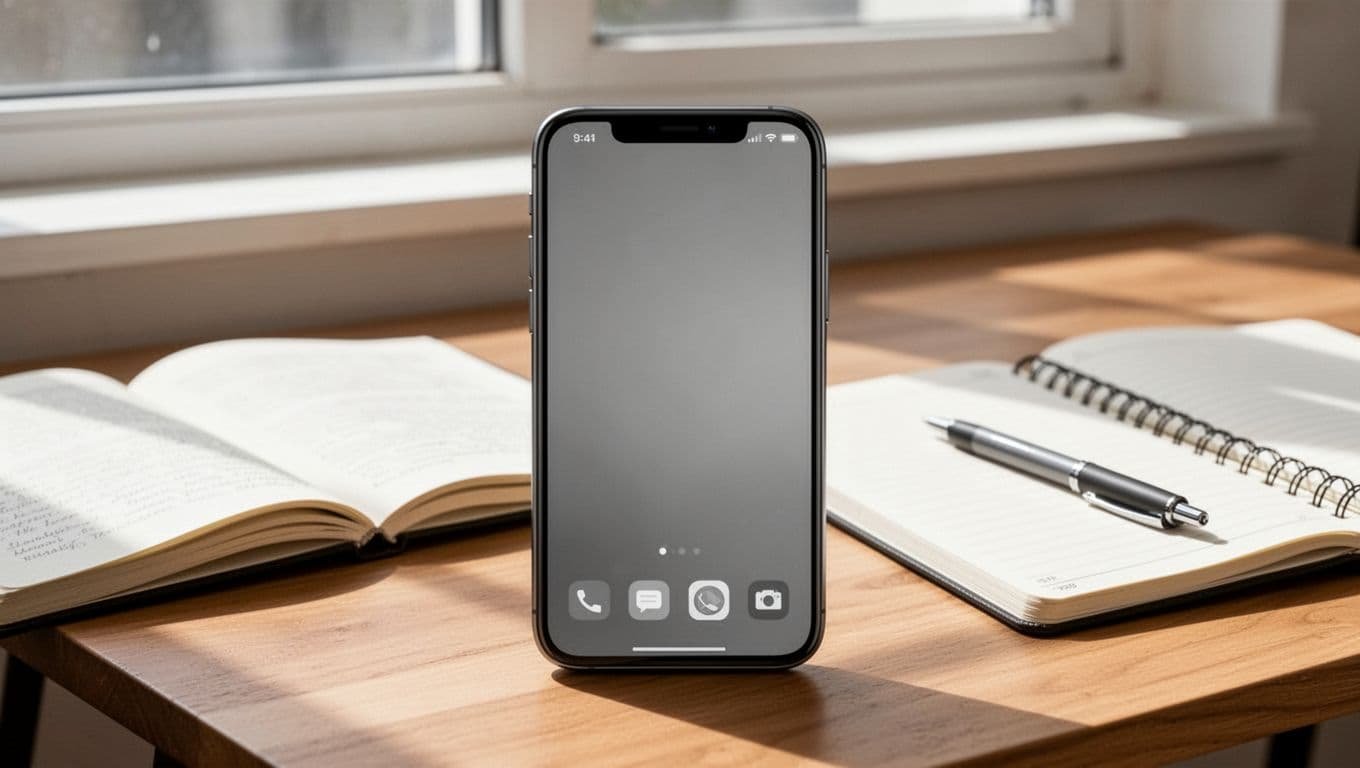
Notifications hijack your attention. US adults get about 46 push alerts daily, driving up to 352 phone checks, or one every few minutes. Turn them off for non-essentials like social apps. Go to Settings on iPhone or Android, tap Notifications, and mute all but calls or key texts. You still get messages, but without the buzz.
Why does it work? Pings spike dopamine, pulling you back constantly. Silence them, and checks drop fast. For proof, see this grayscale study on college students.
Next, switch to grayscale. Colors make apps addictive; black-and-white dulls the appeal. On iPhone, go to Settings > Accessibility > Display & Text Size > Color Filters, then turn on Grayscale. Android: Settings > Accessibility > Color Correction > Grayscale. Students in trials used less because feeds lost their shine. Test it for a week. Your brain rewires to ignore the phone more.
Hide Your Phone and Add Unlock Friction
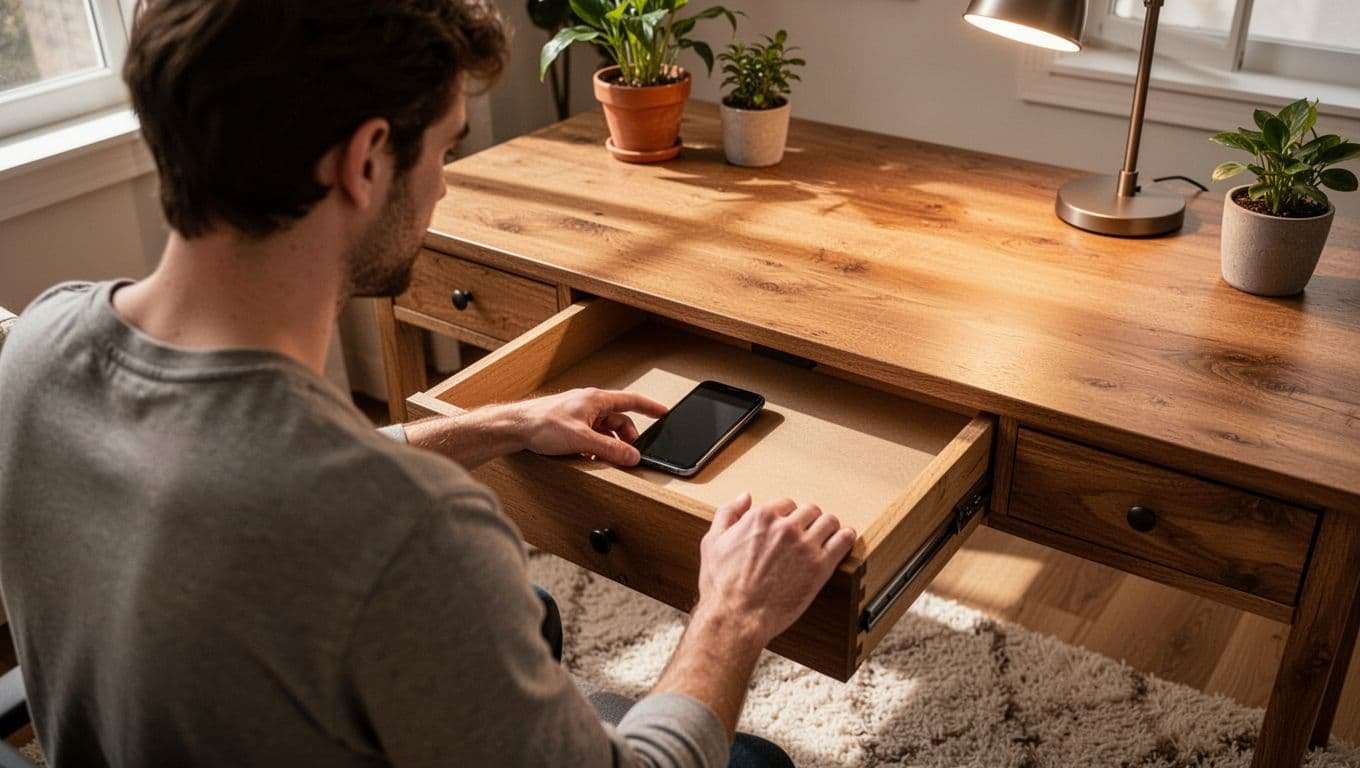
Keep your phone out of reach. Place it in another room, drawer, or bag during work or meals. Even silent, sight triggers grabs. Phone-free zones like bed or dinner table build calm; students report less stress and better sleep this way.
Add unlock hurdles too. Ditch fingerprint or Face ID for a long password, at least 8 characters with mixes. It pauses impulses. Reorganize apps: Bury social ones in folders on page 3 or 4. Move useful tools like calendar upfront.
These steps create pauses. A student swapped biometrics for pins and hid her phone during study blocks. Checks fell 40%, grades rose. In addition, anxiety dipped because she stayed present. Try it today. Your focus rebounds quick.
For more on curbing phone pulls during study, check student-tested tips.
Top Apps and Tools to Lock Down Your Screen Time
Apps take your efforts further when willpower wanes. They block distractions, add delays, or gamify focus so you stop checking your phone all day. Start with built-in tools on your device. They track and limit without extra downloads. Then layer on third-party picks like Forest or Opal for stronger enforcement. Users cut screen time by 30 to 60 minutes daily with these, per 2026 reviews.
Use Built-in Screen Time and Digital Wellbeing First
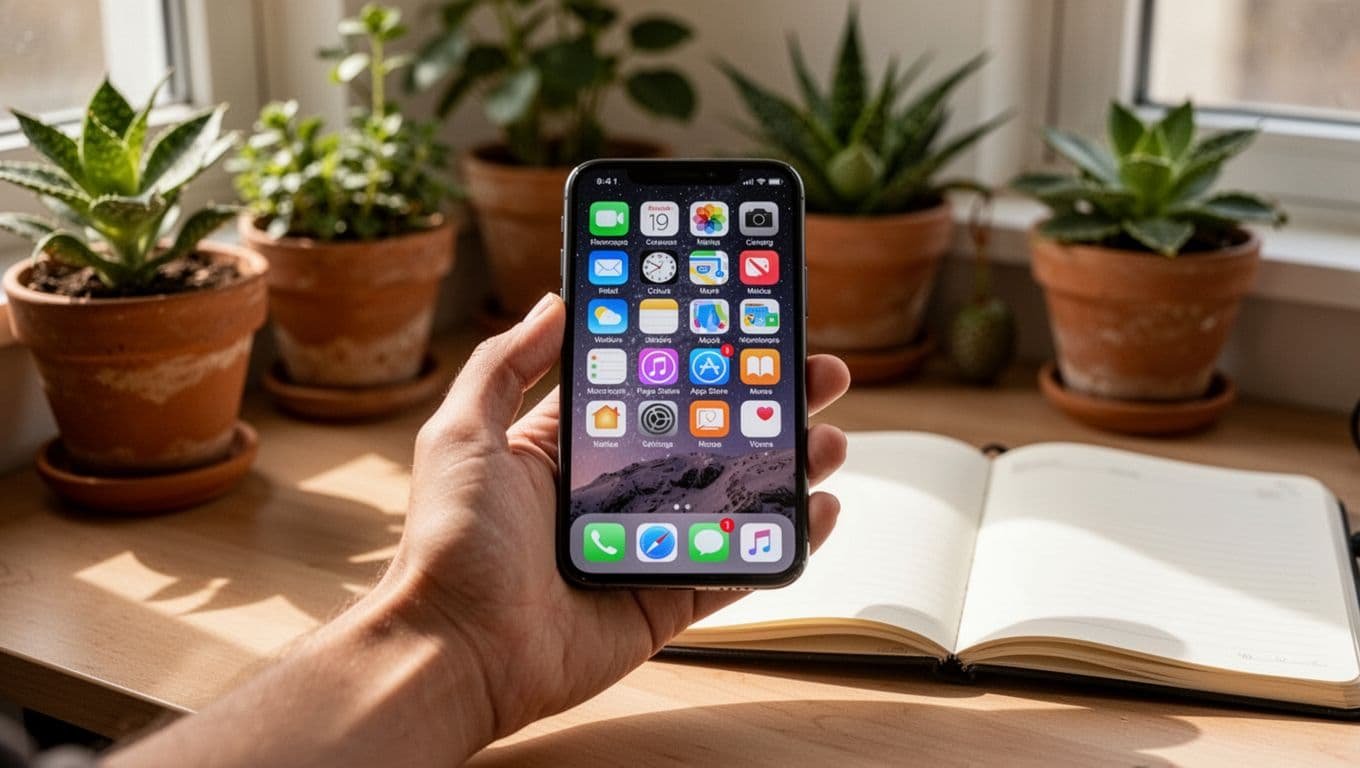
iPhones offer Screen Time in Settings. Set app limits, downtime schedules, and passcodes. Android’s Digital Wellbeing does the same; enable focus mode to pause apps. Both send weekly reports. These free options drop checks fast because they integrate seamlessly. However, kids or tech-savvy users bypass them easier.
Best Third-Party Apps for 2026
Forest gamifies focus; plant virtual trees that grow during no-phone sessions, but they die if you stray. One Sec adds a breathing prompt or delay before opening apps, breaking impulses. Opal blocks sites and apps with strict schedules. Qustodio sets precise limits across devices, ideal for families or self-control.
Here’s a quick comparison:
| App | Key Feature | Pricing (Monthly) | Best For |
|---|---|---|---|
| Forest | Gamified tree-growing | $2 (pro) | Fun focus builders |
| One Sec | App-open delays | $5 | Impulse breakers |
| Opal | Strict blocking | $10 (premium) | Heavy distraction days |
| Qustodio | Device-wide limits | $4.58+ | Cross-platform control |
Prices from PCMag’s 2026 roundup. Test free trials.
Pair Apps with 24-Hour Resets
Reset fully once weekly. Uninstall tempting apps for a day, then reinstall with limits. This rebuilds habits. Combine with grayscale mode from earlier sections. You’ll notice fewer urges. For signs your scrolling harms well-being, see warning signs of excessive phone use. Freedom returns quick.
Build Lasting Habits with Mindfulness and Replacements
You need tools that stick long-term to stop checking your phone all day. Mindfulness helps you spot urges before they win. Replacements fill the gap with better options. Together, they rewire your routine. Recent studies show mindfulness cuts problematic phone use because it boosts self-control through brain changes.
Spot Urges with Quick Mindfulness Pauses
Pause when your hand reaches for the phone. Notice the urge without acting. Ask yourself why it pulls you now. This simple step works; research from 2026 links regular mindfulness to fewer compulsive checks.
Breathe deeply for 10 seconds. Feel the impulse fade. Practice daily, even five minutes. Your brain strengthens over time, making resistance easier.

Batch Your Checks into Set Times
Don’t check constantly. Pick three times daily, like morning, lunch, and evening. Handle all pings then. This cuts random grabs and frees your focus.
Set a timer for five minutes per batch. Soon, urges weaken because you control the rhythm.
Build Self-Control Through Exercise and Sleep
Move your body daily; walks or workouts boost willpower. Good sleep reinforces it too, as poor rest amps phone pulls. Aim for seven hours nightly in a dark room.
Replace Scrolls with Walks, Calls, and Reading
Swap phone time for real swaps. Take a walk outside. Call a friend for chat. Grab a book instead.
Face-to-face talks fight loneliness better than feeds. For ideas on ways to find time to read daily, try short sessions during old scroll times.

These steps create calm. Habits last when you replace and notice.
Conclusion
You now know how to stop checking your phone all day. Track your patterns first. Tweak your environment next, like silencing pings and going grayscale. Add apps such as Forest or Opal. Then replace scrolls with walks or calls.
Good news backs your efforts. More than half of people want to cut back, up 33% since 2023. Quick notification checks dropped 5% too. These shifts prove change happens when you act.
Pick one tip today. Start tracking or batch your checks. Watch progress build over a week. You reclaim focus, sleep, and real connections. Your days feel full again.
Save the pin for later

- 60 Color Tattoos That Healed Beautifully - 25/09/2026
- 40 Most Painful Tattoo Spots - 24/09/2026
- 20 Tattoo Aftercare Mistakes That Ruin Fresh Ink - 23/09/2026

